Ordering in the phone browser
- No app
- The menu opens in the browser on the guest's own phone.
- Dine-in and takeaway
- One menu supports both modes.
- Multilingual
- Menus can be offered in several languages.

QR Ordering
No app to install. Table ordering, pre-ordering while waiting and takeaway all enter the same kitchen flow.
Three ways to use it
Guests scan the QR code on the table, or the BYOD ordering QR the POS prints at seating. The table number is already in the code.
Guests scan at the store front, order and get a number. Once they are seated, staff find the pre-order on the POS.
Put the QR code or link on Google, Facebook and other online platforms. Guests order and collect at the store.
The guest journey
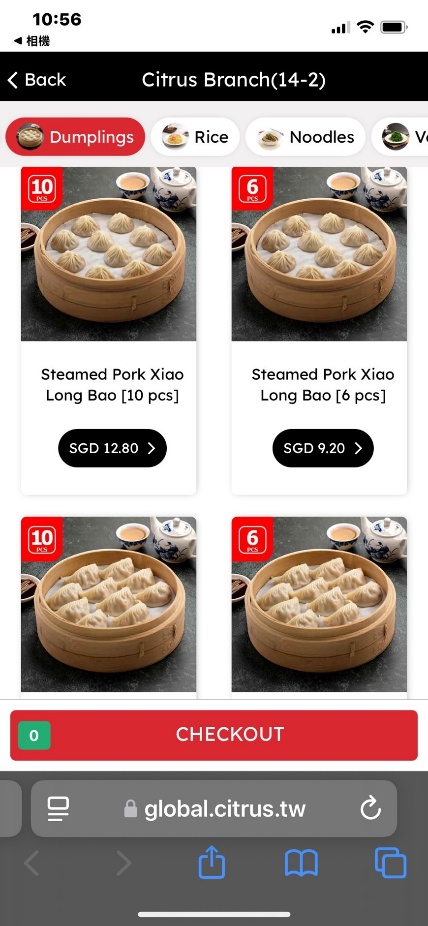
Scan the QR code with the phone camera. The menu opens in the browser.
Browse photos by category and add items.
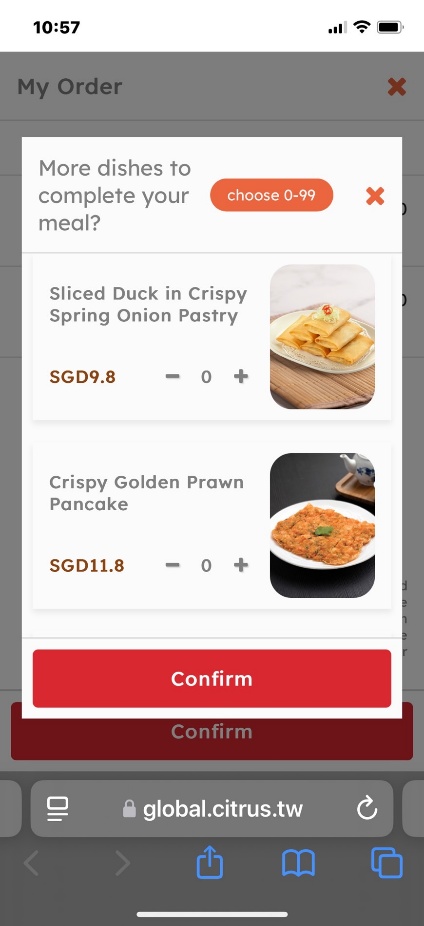
Check My Order and send it.
The order lands in the POS and goes to the KDS or kitchen printers.
Features
Works with
The queue ticket can carry a Pre-Order QR, and seating prints the table's BYOD ordering QR.
The POS prints the BYOD ordering QR, and the table map marks tables with a printed QR.
QR orders and POS orders are prepared on the same kitchen screens.